

Thermostat Savings Calculator
See how much you can save on your energy bill. Calculate annual savings from using a programmable or smart thermostat with temperature setbacks. Professional-grade accuracy for your home projects.
How to use this calculator
Estimate your potential energy savings from using a programmable or smart thermostat. The calculation assumes roughly 1% savings for every degree Fahrenheit (1.8% per Celsius) of temperature setback over an 8-hour period.
Share This Professional Calculator
Found this helpful? Share it with your network to assist them with their home improvement projects.
Expert Guide to Thermostat Savings
Plan your project with precision using our 2026 standardized calculator.
Step-by-Step Instructions
- 1
Step 1: Enter Annual Energy Bill
Input your total yearly spending on heating and cooling (found on your utility "Yearly Summary").
- 2
Step 2: Define Winter Setbacks
Enter how many degrees you lower the heat and for how many hours per day (e.g., 5 degrees lower for 8 hours while at work).
- 3
Step 3: Define Summer Set-Ups
Enter how many degrees you raise the AC and for how many hours per day.
- 4
Step 4: Account for Smart Features
Indicate if you use a "Smart" thermostat that uses geofencing or occupancy sensors to maximize savings.
- 5
Step 5: Review Savings Summary
The tool provides the estimated monthly and annual savings for your home.
Pro Tips & Analysis
The most important rule for thermostat savings is The 8-Hour Threshold. Many homeowners believe that it takes more energy to "re-heat" a cold house than to keep it at a constant temperature. This is a common myth. In reality, heat always moves from a warm space to a cold space; by lowering the indoor temperature, you slow down this heat transfer, saving energy every minute the house is at the lower setpoint. Our calculator uses the DOE-standard 1% savings per degree per 8 hours as the baseline for its results. Additionally, focus on Smart Learning Algorithms. Modern thermostats don't just follow a schedule; they learn how long your house takes to heat up and cool down, adjusting the "start time" to ensure you are comfortable the moment you walk in the door without running the system a minute longer than necessary.
Another vital consideration is Zoning and Sensor Placement. A thermostat is only as accurate as the air around it. If your thermostat is in a drafty hallway or near a sunny window, it will misread the home's temperature and cycle your HVAC system unnecessarily. Smart thermostats that support "Remote Sensors" allow you to average the temperature across multiple rooms, which is the most effective way to eliminate cold spots and maximize efficiency. Our tool provides the "Potential Savings," but your actual ROI will depend on having the thermostat installed in a neutral, central location. Finally, remember The Vacation Mode. When you are away for more than 48 hours, you can set your home to 55°F (winter) or 85°F (summer) without risk of pipe freezing or humidity damage. Our calculator can help you see the "per-day" benefit of these long-term setbacks, ensuring you are saving money even when you aren't home.
Scientific Calculation Methodology
Savings is approx 1% of the heating/cooling portion of the bill per degree per 8-hour period.
Annual Savings = AnnualBill * (DegreesSaved * (Hours/8) * 0.01)
Practical Example:
A $1,500 annual bill with a 5-degree setback for 8 hours: 1,500 * (5 * 1 * 0.01) = $75/year.
Achieving Precision Results
1
Avoid "Jumping" the thermostat by 5-10 degrees at once; this can trigger "Emergency Heat" (electric strips) in heat pumps, which is 3x more expensive.
2
Keep your thermostat at least 15 feet away from exterior doors and out of direct sunlight for accurate readings.
3
Use "Geofencing" on your smartphone to automatically lower the temperature the moment the last person leaves the house.
4
Change your thermostat batteries every year to prevent a "dead screen" from leaving you without heat on a cold night.
5
If you have a Heat Pump, use a "Smart" thermostat designed specifically for them to ensure the compressor and air handler are staged correctly.
Technical Fast Facts
- ✓Lowering your thermostat by 7-10°F for 8 hours can save 10% a year.
- ✓Smart thermostats use "geofencing" to automatically save energy when you leave.
- ✓Avoid placing thermostats near windows, drafts, or heat-producing appliances.
- ✓"C-Wires" provide continuous power to modern smart thermostats.
- ✓Adaptive recovery allows the thermostat to "learn" how long your home takes to heat up.
Expert Q&A
Explore Related Tools
Precision tools to complement your current calculation.
HVAC Load
Free Manual J load calculation. Get accurate BTU requirements for your home to choose the right size furnace and AC system. Avoid costly mistakes.
hvac heating cooling
AC Size (BTU)
Find the perfect air conditioner size. Our BTU calculator helps you determine the right cooling capacity for any room based on size and conditions.
hvac heating cooling
Duct Size
A free HVAC duct sizing calculator to determine the proper duct diameter for your system based on airflow (CFM). Ensure optimal performance.
hvac heating cooling
SEER Savings
Estimate your annual savings by upgrading to a high-efficiency AC unit. See your potential cost reduction and payback period with a new SEER2 system.
hvac heating cooling
In-Depth Guides
Expert insights and advice to help you make informed home decisions.
Read Article
HVAC 5 Min Read
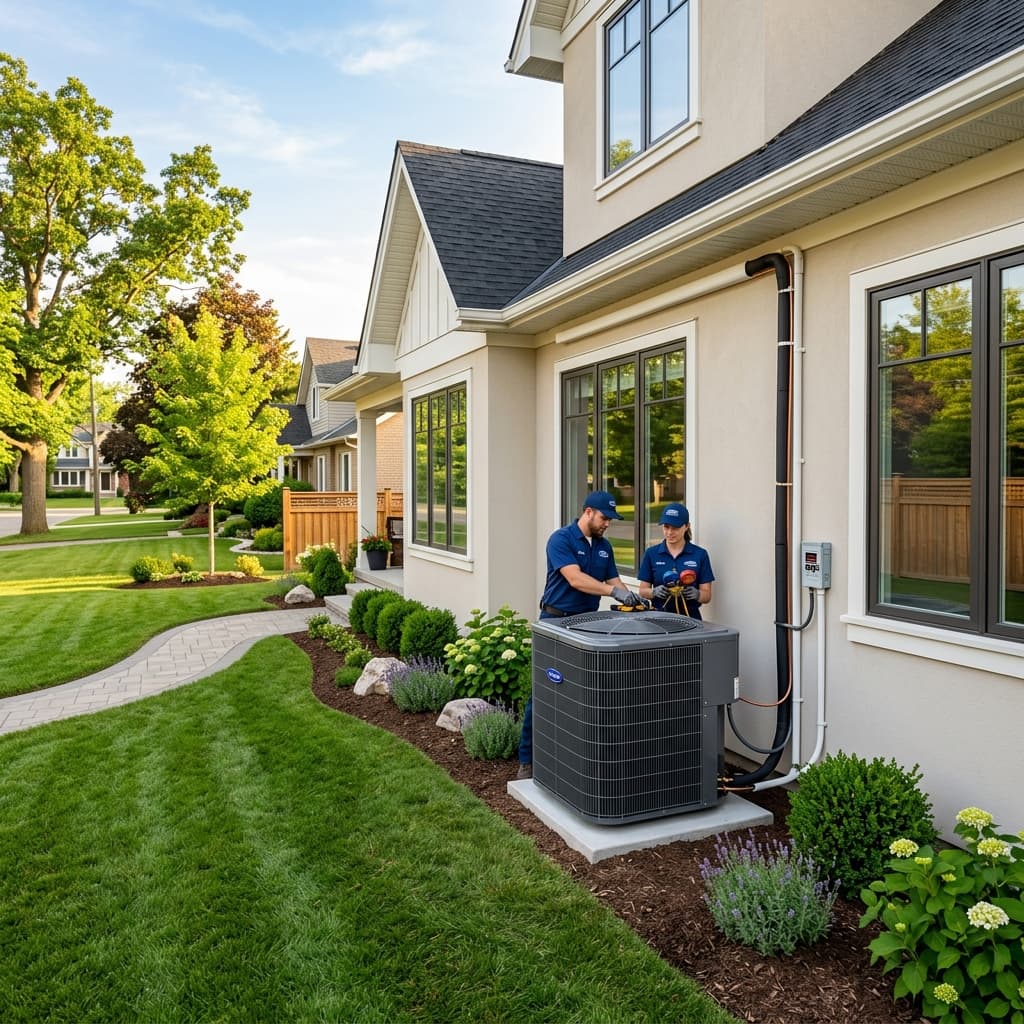
HVAC Sizing Guide 2026: Stop Guessing, Start Calculating
The definitive guide to sizing your air conditioner and furnace in 2026. Learn why the '500 sq ft per ton' rule is obsolete and how Manual J calculations ensure perfect sizing.
Read Article
HVAC 5 Min Read
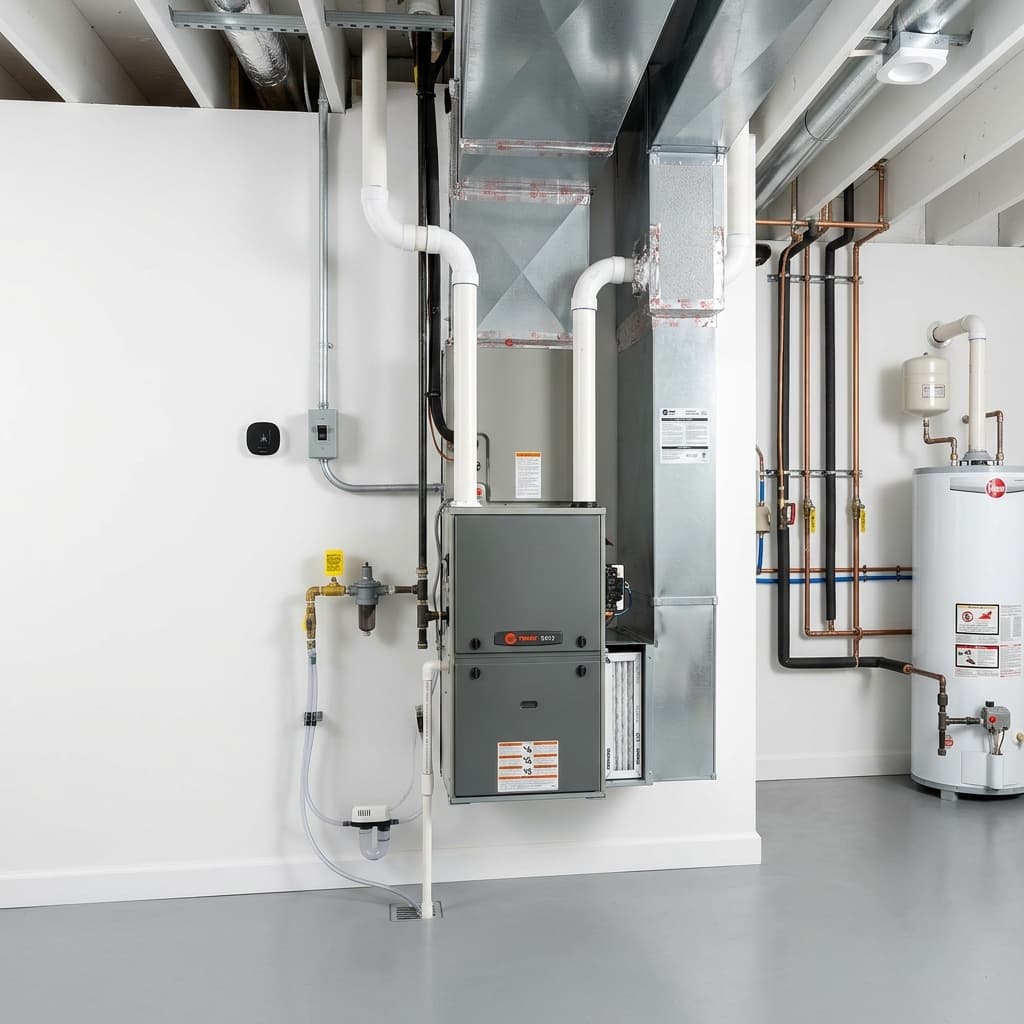
What is AFUE? Understanding Furnace Efficiency Ratings
A complete guide to AFUE (Annual Fuel Utilization Efficiency). Learn what the percentage means, the difference between 80% and 95% furnaces, and how to choose the right one in 2026.
Read Article
HVAC 5 Min Read
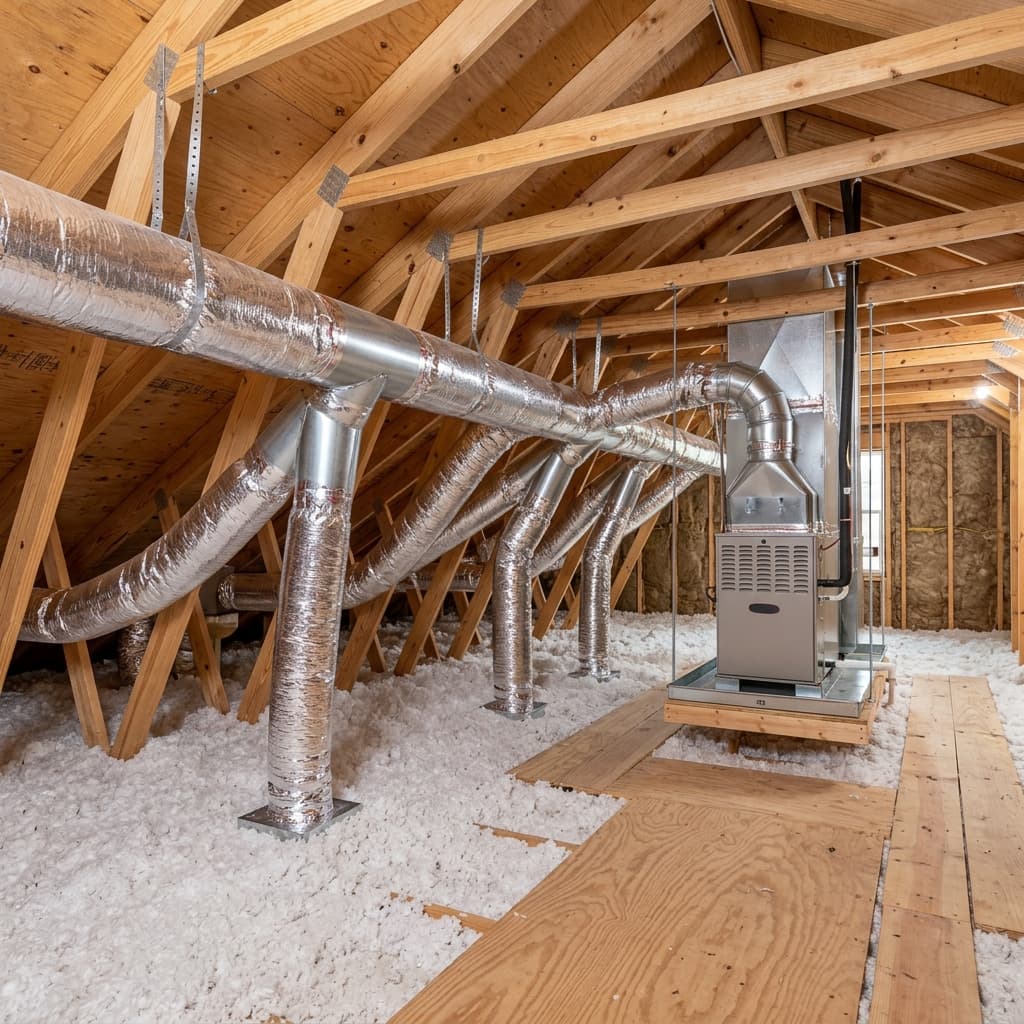
Ductwork Design (Manual D): The Unseen Key to HVAC Performance
Your HVAC system is only as good as its ductwork. Learn what ACCA Manual D is, why it's critical for airflow, and how improper ducts waste thousands in 2026.